Creatio vs Pipedrive: When a Simple Sales CRM Stops Being Enough
Pipedrive is built around the deal pipeline; Creatio is a low-code CRM and workflow platform. A practical comparison for teams deciding when a simple sales tool stops being enough.
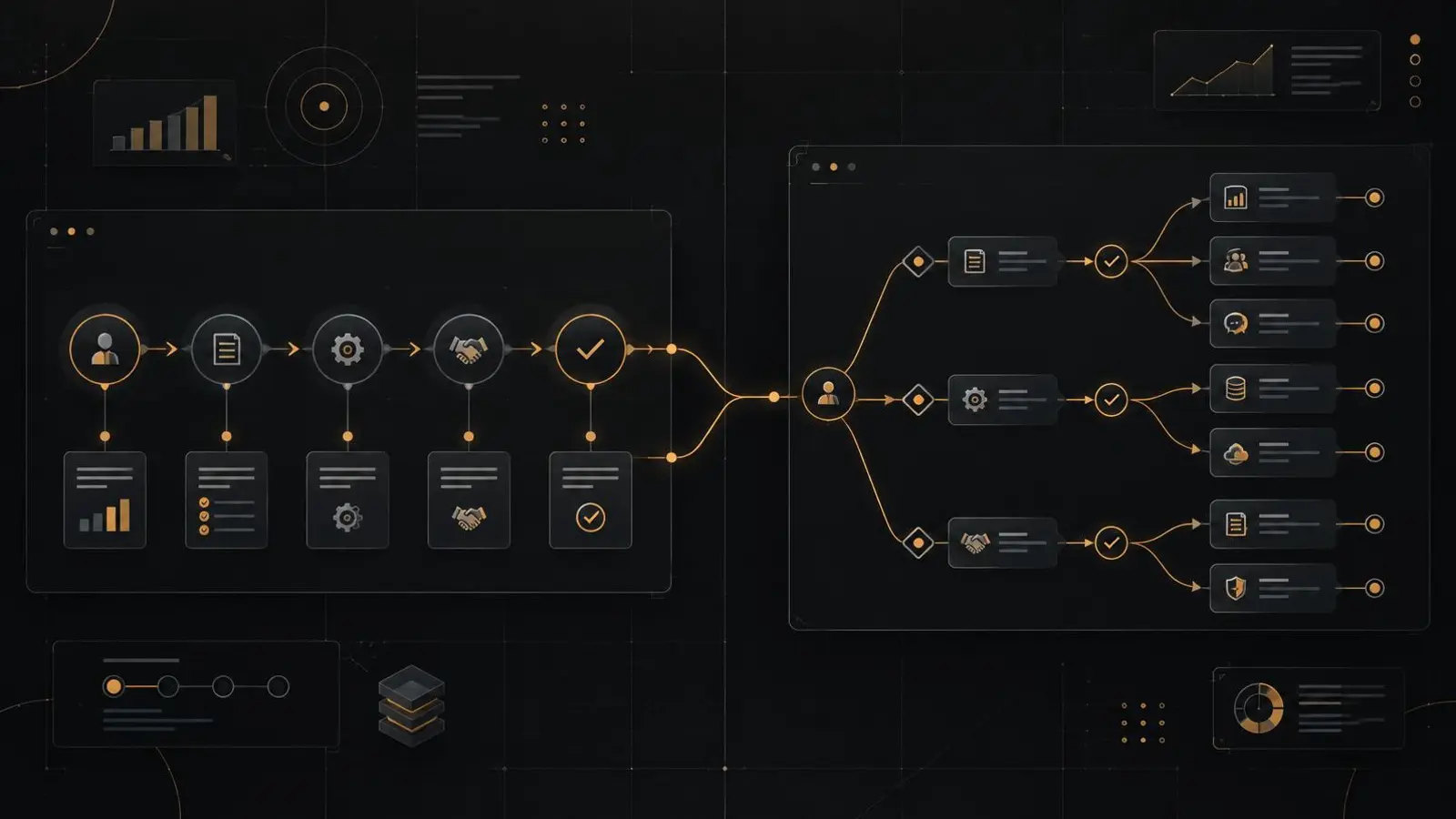
Most Creatio vs Pipedrive comparisons turn into feature lists. That is not the decision a buyer actually faces. The real question is whether your sales operation still fits inside a pipeline. Pipedrive is deliberately built around the deal: stages, activities, follow-ups and a small number of well-defined objects. Creatio is a CRM and low-code workflow platform, designed for organisations whose revenue depends on approvals, service processes, custom entities and work that crosses teams. This article sets out where each fits, what switching really costs, and a two-week test you can run before committing.
Key takeaways
- Pipedrive is often the right answer when one sales process, fast setup and low administration are the priorities.
- Creatio becomes the better answer when selling depends on custom objects, multi-step approvals, service workflows or integration with ERP and finance.
- Compare the workarounds each option needs, not the number of features each vendor lists.
- Switching later is a project in its own right: data, automation, integrations, reporting and training all have to move.
What each product is designed to do
Pipedrive is a sales-first CRM. The deal is the centre of the data model, and the interface is organised around moving that deal through a pipeline: activities, email, notes, files, goals and reporting. It supports custom fields, multiple pipelines and a marketplace of add-ons, so it can be shaped to a straightforward sales motion without a technical team. Setup is comparatively quick, and administration is light.
Creatio is a CRM plus a low-code application platform. It covers sales, marketing and service processes, and its Studio environment lets an administrator or partner add custom objects, forms, pages and automated processes without writing code. That breadth is the point: customer data, approval chains, case handling and integrations can live in one governed application rather than in a pipeline tool plus three workarounds.
Editions, included features and prices change. Verify current vendor documentation and test a scoped demo rather than relying on a comparison published months ago, including this one.
Six criteria that decide the choice
Use this table as a starting point, then replace each row with the specifics of your own process.
| Criterion | Pipedrive | Creatio |
|---|---|---|
| Core data model | Centres on deals, organisations, people and activities. | Provides standard CRM objects plus custom entities for things such as projects, subscriptions, claims or partner programmes. |
| Process depth | Automates pipeline activity and stage-based actions. | Models multi-step workflows, approvals, case handling and cross-team handoffs. |
| Customisation | Offers custom fields, pipelines and marketplace apps. | Offers low-code application building, custom schemas, forms and process logic. |
| Integrations | Provides an API and marketplace connectors. | Provides APIs, connectors and custom integration work for ERP, finance and line-of-business systems. |
| Reporting | Reports on sales activity and pipeline performance. | Reports across multiple objects and teams, which matters when service, marketing and sales share one data model. |
| Administration and hosting | Vendor-hosted with light administration. | Available in the cloud and on-premise, and needs a named administrator or partner for configuration and upgrades. |
Where Pipedrive is the better answer
Pipedrive is often the correct choice, and choosing a platform you do not need is its own failure mode. It fits when the sales process is genuinely one pipeline, the team is small or mid-sized, and the supporting objects are few. It also fits when there is no dedicated CRM administrator, when the team needs to be productive in weeks rather than quarters, and when the required integrations are already covered by the marketplace.
Before deciding, test the exceptions rather than the happy path. Renewals, discount approvals, service handoffs, partner claims and multi-entity deals are where pipeline tools start to need custom fields, manual steps or a second system. If those exceptions are rare and cheap to handle outside the CRM, Pipedrive may remain the more sensible investment.
Where Creatio is the better answer
Creatio earns its extra configuration effort when the sales process is only one part of the customer relationship. Typical signals:
- You need custom objects that behave like first-class records, not a deal with extra fields.
- Discounts, contracts or onboarding require multi-step approval with named approvers.
- Service cases, SLAs or field work need to share the same account and contact data as sales.
- Data has to move between CRM, ERP, finance and possibly a legacy system.
- Several business units, currencies or legal entities need consistent rules and reporting.
- The organisation requires on-premise deployment, or a level of access control and audit that a simple sales tool was not designed to provide.
The practical test is the spreadsheet audit. If your team keeps spreadsheets beside the CRM to manage approvals, allocations, renewals, service credits or partner programmes, the pipeline tool is not the constraint. The process is. Moving to a platform only helps if the project is scoped to replace those workarounds, not merely to reproduce the old pipeline in a larger system.
The switching costs nobody puts in the comparison
A comparison usually stops at subscription price. The cost that decides the outcome is the move itself.
Data. Fields rarely map one to one. History, attachments, duplicate records and ownership rules all need decisions. Migrating everything is rarely the right answer; each record should earn its place in the new system. How much historical data to migrate and CRM data migration strategy, planning and execution set out a scoping method.
Automation. Stage-based actions rarely survive a change of platform unchanged. Each workflow needs a requirement, a test case and an owner. Porting automation blindly carries old exceptions into the new system.
Integrations. Email, telephony, ERP, finance, marketing and reporting connections all have contracts, credentials and failure modes. List every integration before comparing licences.
Reporting. Dashboards are cheap to draw and expensive to make trustworthy. Agree the definition of each metric, the population it covers and who owns it before rebuilding anything.
Training and adoption. A new interface is a new habit. Plan role-based training, a support route and a period of parallel running. Why CRM UAT fails covers the testing side and change management for real user adoption covers the people side.
A two-week test before you commit
Run the same scenarios in both products, in trial environments, before either vendor becomes a project.
- Write three end-to-end scenarios. Use real cases: a new customer with a discount approval, a renewal with an open service issue, and a partner or dealer claim. Include who does what, in what order, and what evidence proves completion.
- Configure only what the trial allows. Do not accept a vendor demo that hides the configuration cost. If a scenario needs a developer, note that.
- Count the workarounds. Every manual step, duplicate field, offline spreadsheet and email approval is a cost you will carry after go-live.
- Test the reporting. Build one management view from the scenario data and check whether the numbers reconcile with the process you designed.
- Time the administration. Ask who changes a picklist, adds a field, fixes a permission or runs a data import, and how long each takes.
- Speak to references of similar size. Ask what broke after go-live, not what worked in the demo.
Score the result on fit, not on the number of features. A platform that handles the three scenarios with fewer workarounds is the stronger choice, even if its feature list is shorter.
If Creatio is the answer, plan the switch as a project
Do not copy a simple CRM into a complex one and expect the complexity to solve itself. Start with the source of truth for accounts and contacts, migrate only the records that support live work, archive the rest, and rebuild only the automation that survives the process review. Rehearse the migration, test the integrations, and train by role rather than by feature.
If you are also weighing broader platforms, the companion comparisons on Creatio vs HubSpot, Creatio vs Salesforce and Creatio vs Dynamics 365 use the same decision framework.
The choice between Creatio and Pipedrive is not a verdict on either product. It is a question about how much of your customer operation needs to live in one governed system. If the answer is a single pipeline, choose the simpler tool and protect that simplicity. If the answer is a set of connected processes, choose the platform and scope the switching project properly.
From Braj
Facing this in your CRM? Let’s talk for 30 minutes, free.
No slides and no pitch — we look at your actual setup and the handoff that keeps breaking, then decide together whether it is worth fixing.
Book a free 30-min clarity call More articles